Running R scripts from the command line can be advantageous for saving time and setting up jobs to run them automatically down the line. In a few short steps this can be set up.
Write Executable R Script
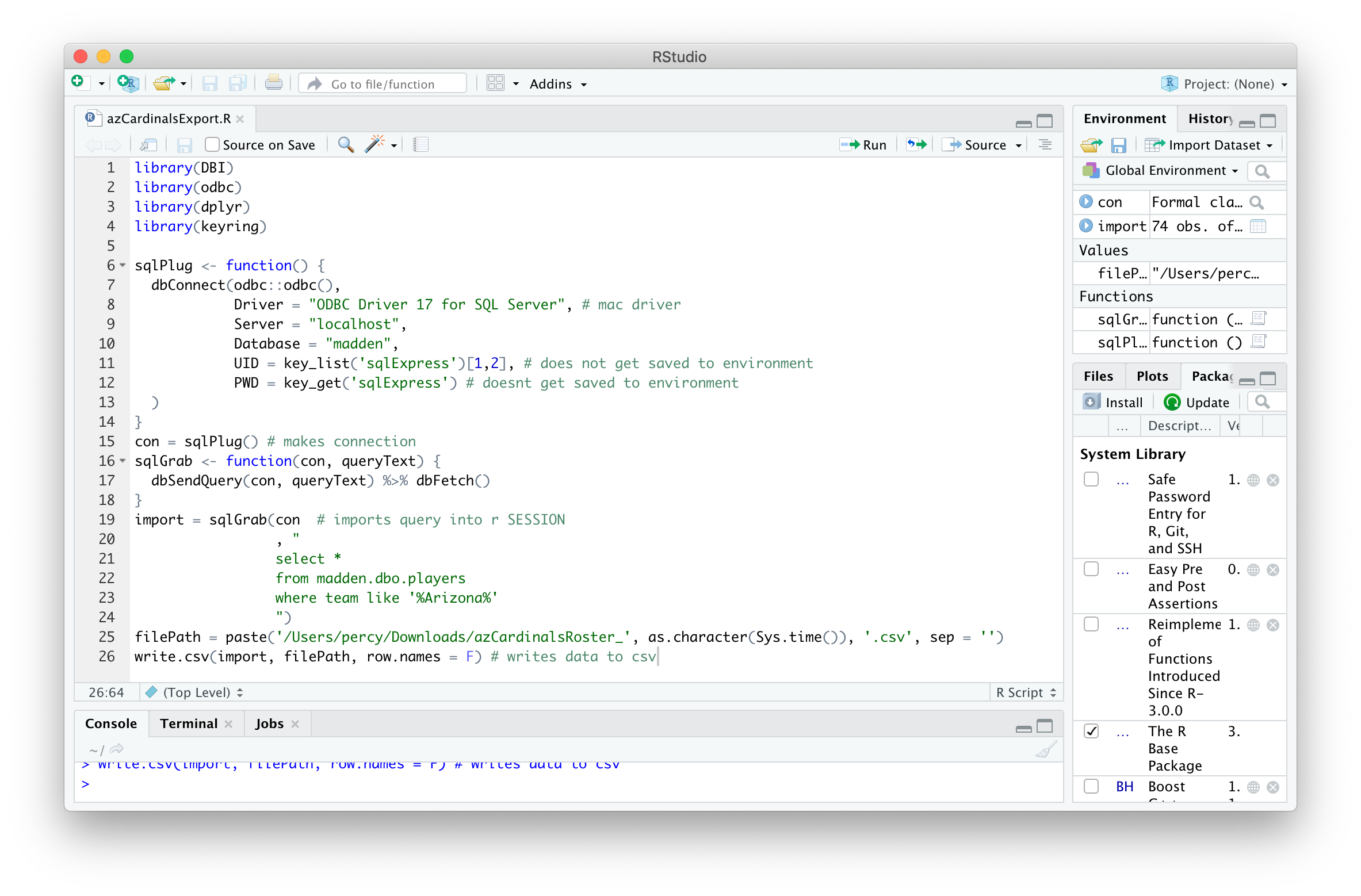
To run an R script from Terminal, it must be executable without any errors or human inputs. In this example, the sqlPlug() function can be used to connect to a local SQL Server database and export to a CSV. It’s best to test the script in RStudio or the R console to make there are no errors that will throw off the Terminal command later.
library(DBI)
library(odbc)
library(dplyr)
library(keyring)
sqlPlug <- function() {
  dbConnect(odbc::odbc(),
            Driver = "ODBC Driver 17 for SQL Server", # mac driver
            Server = "localhost",
            Database = "madden",
            UID = key_list('sqlExpress')[1,2], # does not get saved to environment
            PWD = key_get('sqlExpress') # doesnt get saved to environment
  )
}
con = sqlPlug() # makes connection
sqlGrab <- function(con, queryText) {
  dbSendQuery(con, queryText) %>% dbFetch()

}
import = sqlGrab(con  # imports query into r SESSION
                 , "
                 select *
                 from madden.dbo.players
                 where team like '%Arizona%'
                 ")
filePath = paste('/Users/percy/Downloads/azCardinalsRoster_', as.character(Sys.time()), '.csv', sep = '') # define file name
write.csv(import, filePath, row.names = F) # writes data to csv
Find Rscript application Path
When R is installed, there are features that can be used to execute R from the terminal, in this case: Rscript. This can be found by opening R or RStudio and executing the R.home() command.
R.home()
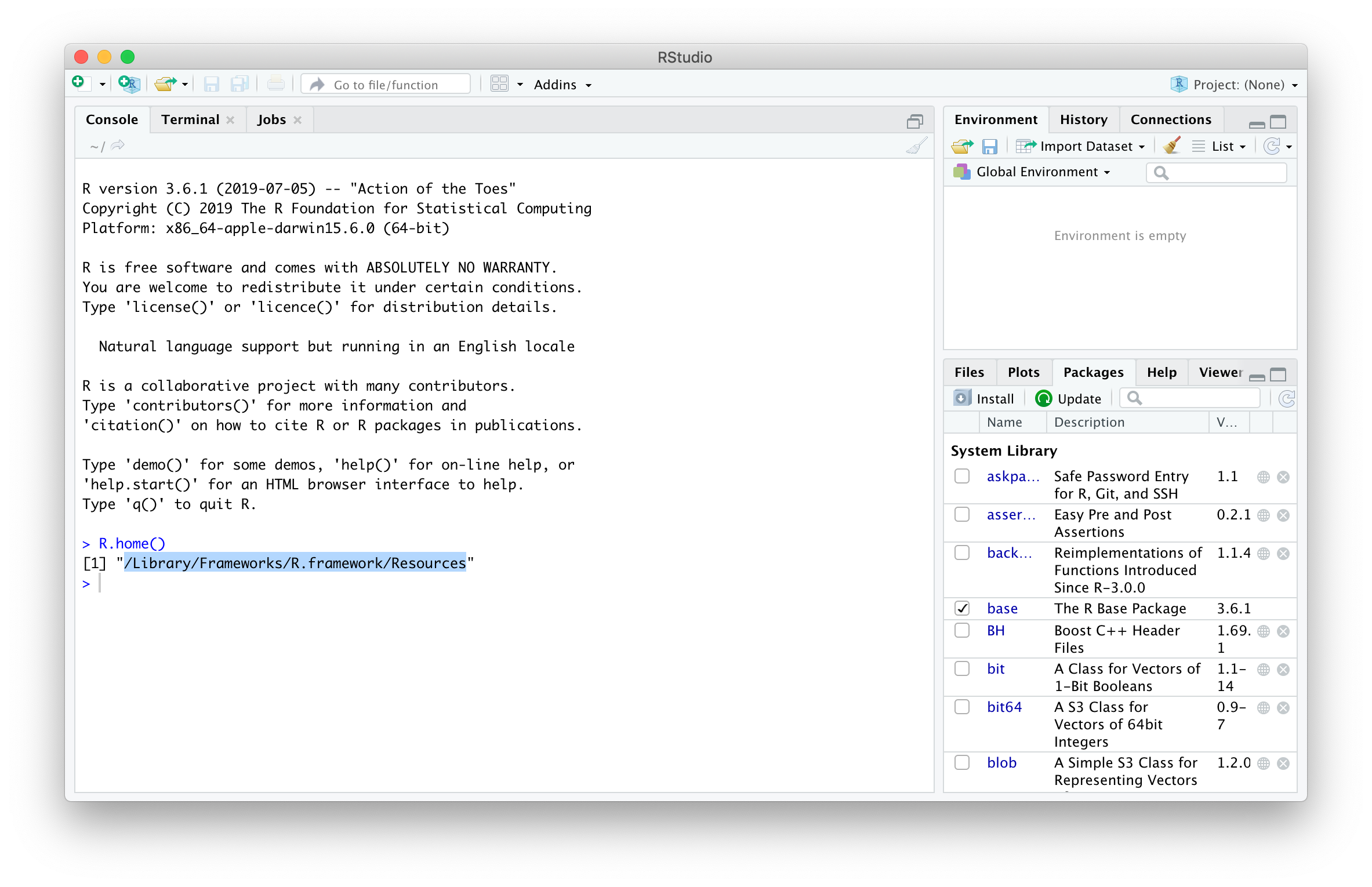
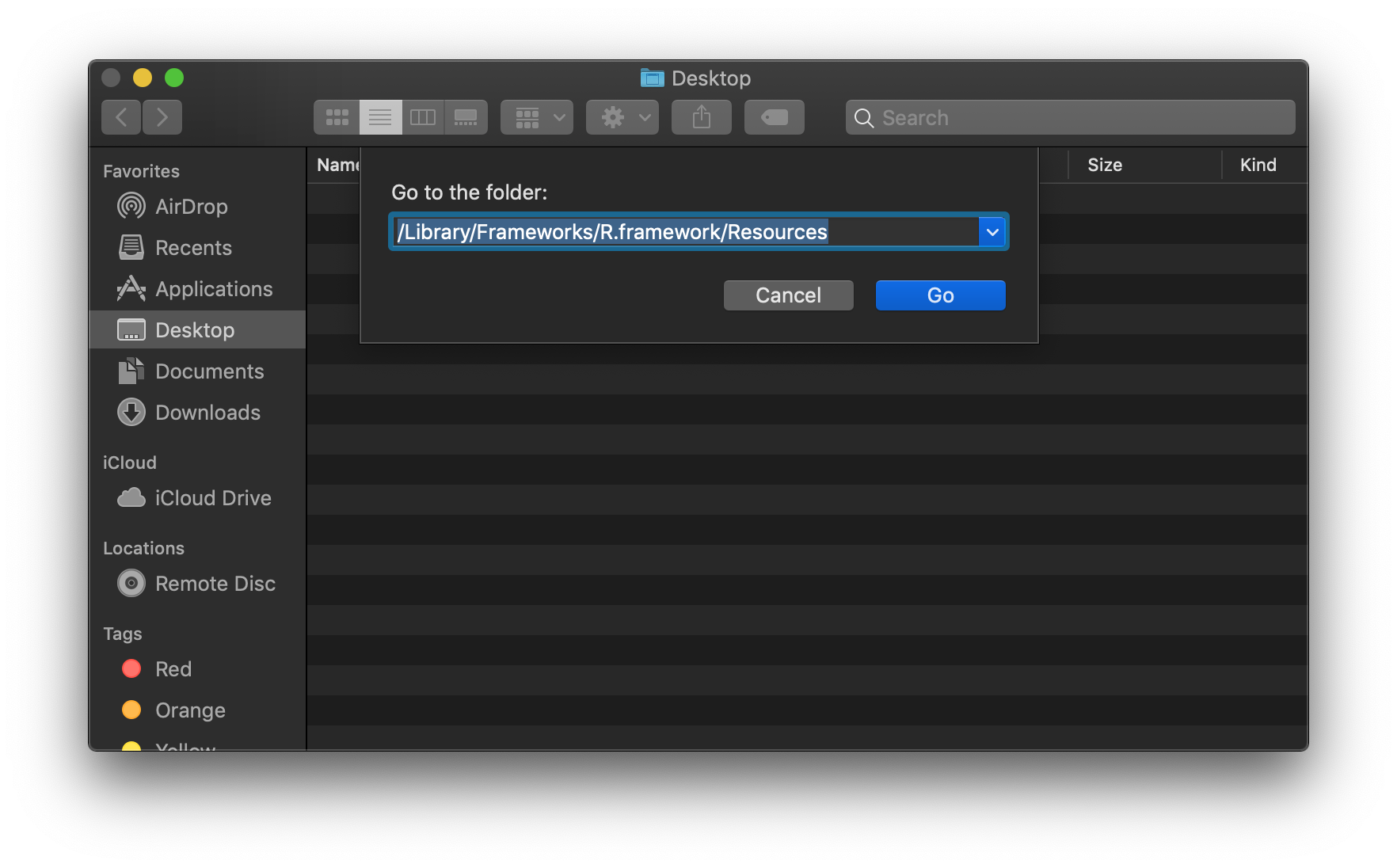
Copy and paste the results of the R.home() command and press Cmd + Shift + G in Finder. Paste the copied path in field and press Go.
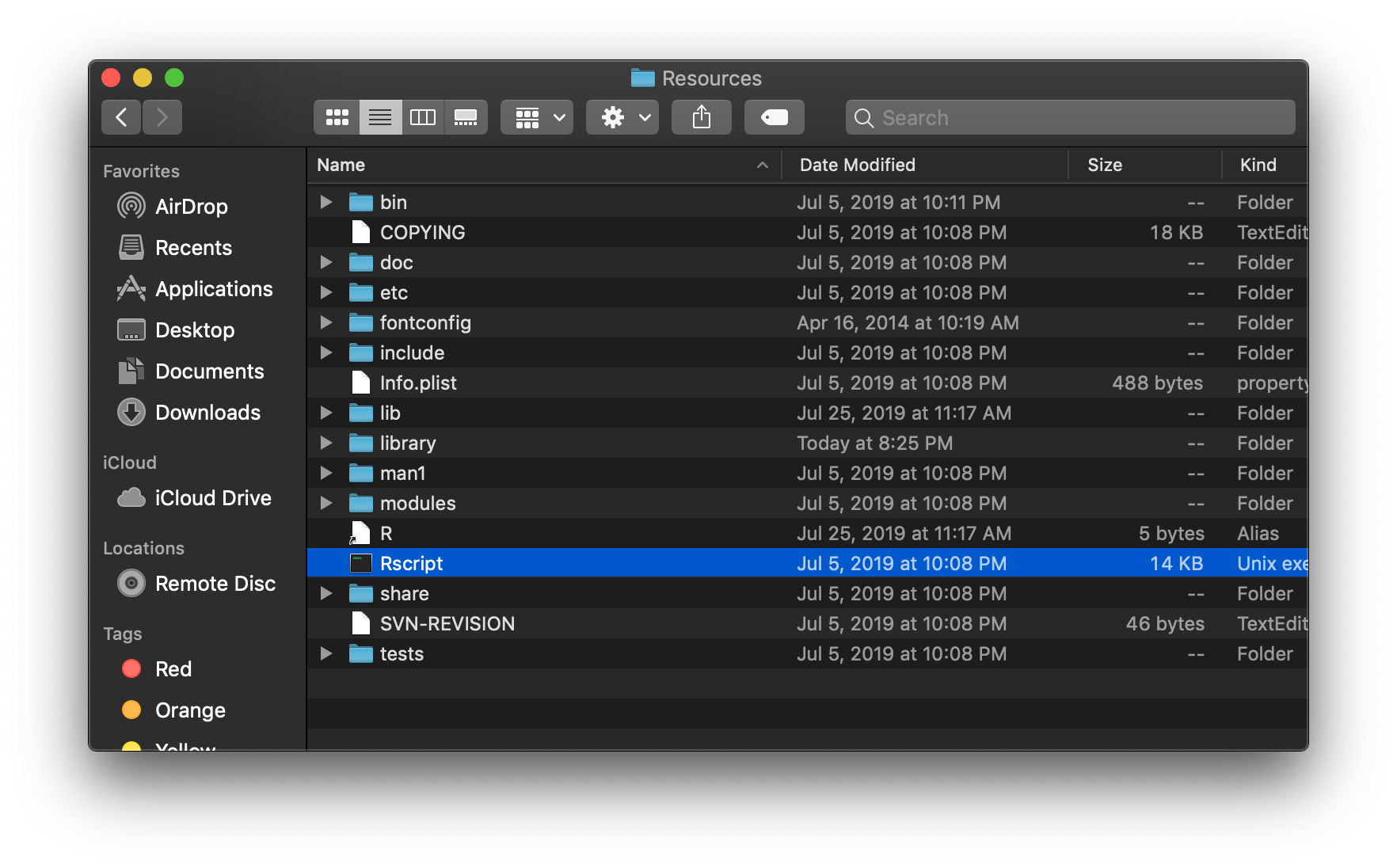
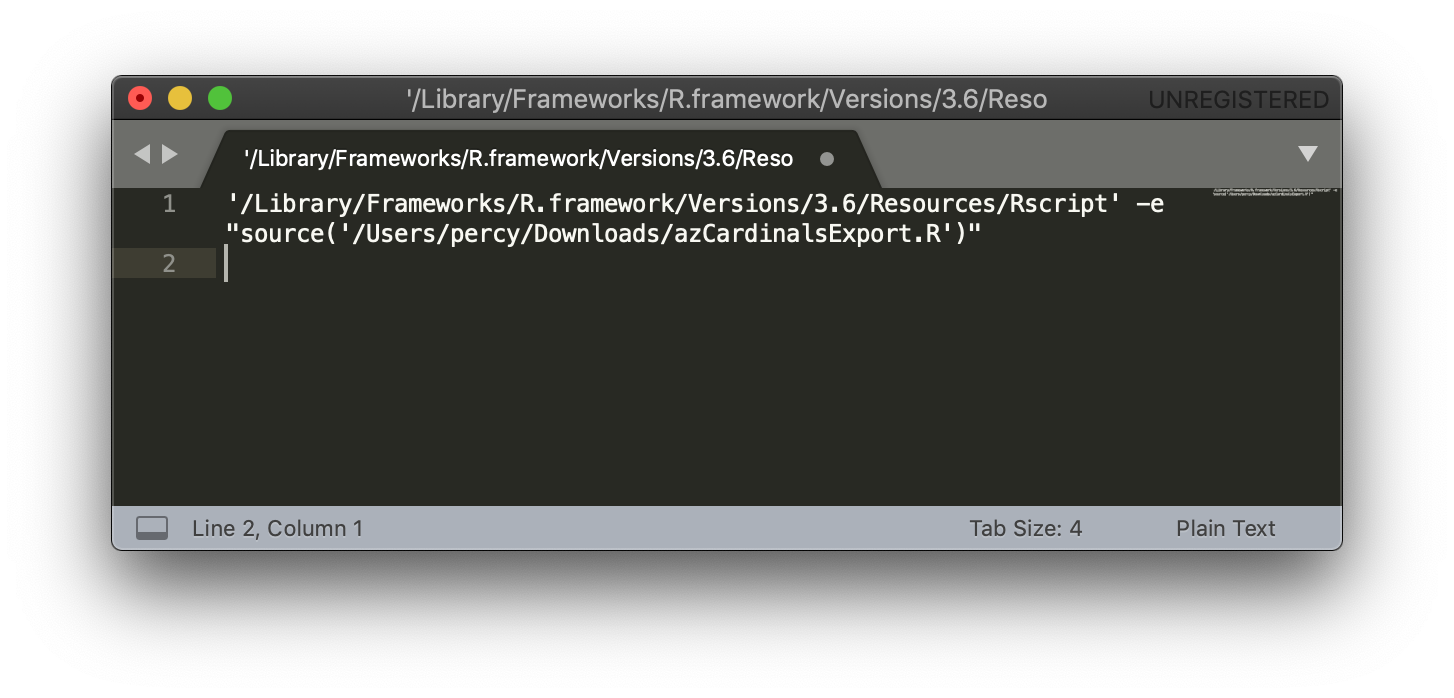
Right click on the Rscript file and press the Alt key to to Copy “Rscript” as Pathname. Copy this into a text editor, along with the path to the R script to be executed via the terminal.
'/Library/Frameworks/R.framework/Versions/3.6/Resources/Rscript' -e "source('/Users/percy/Downloads/azCardinalsExport.R')"
Execute in Terminal
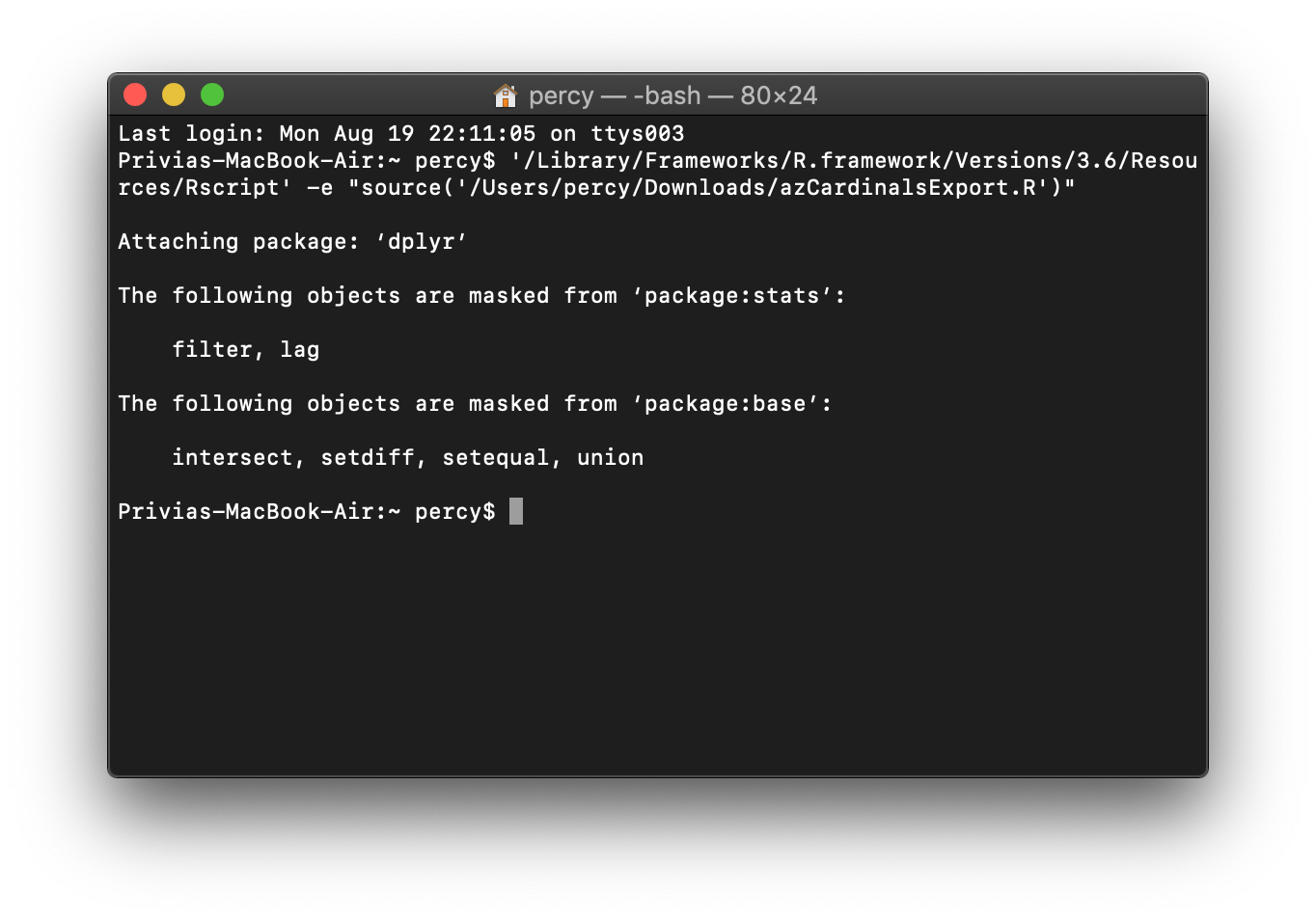
The final step is to open the Terminal app and copy / paste the execution text written above.
'/Library/Frameworks/R.framework/Versions/3.6/Resources/Rscript' -e "source('/Users/percy/Downloads/azCardinalsExport.R')"
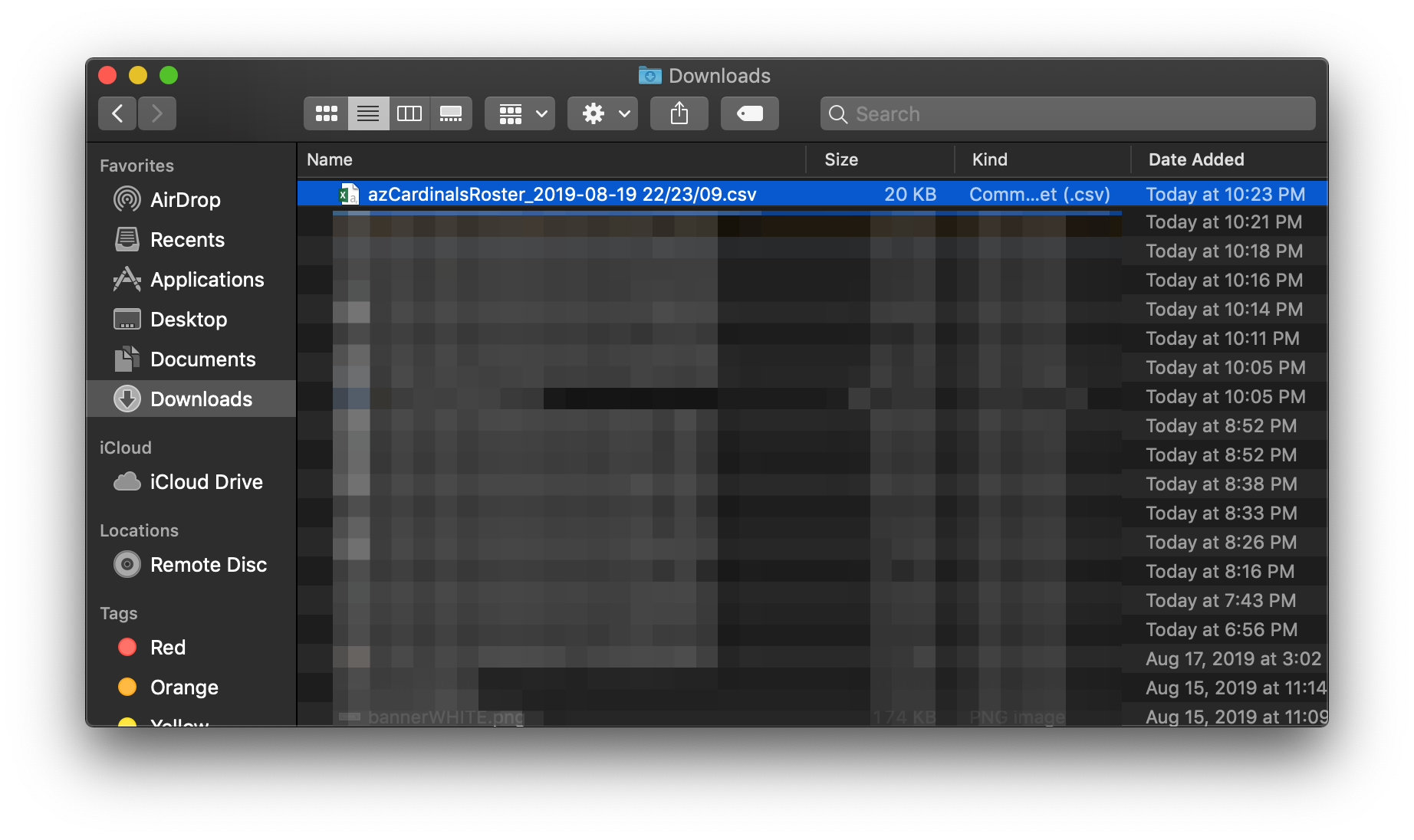
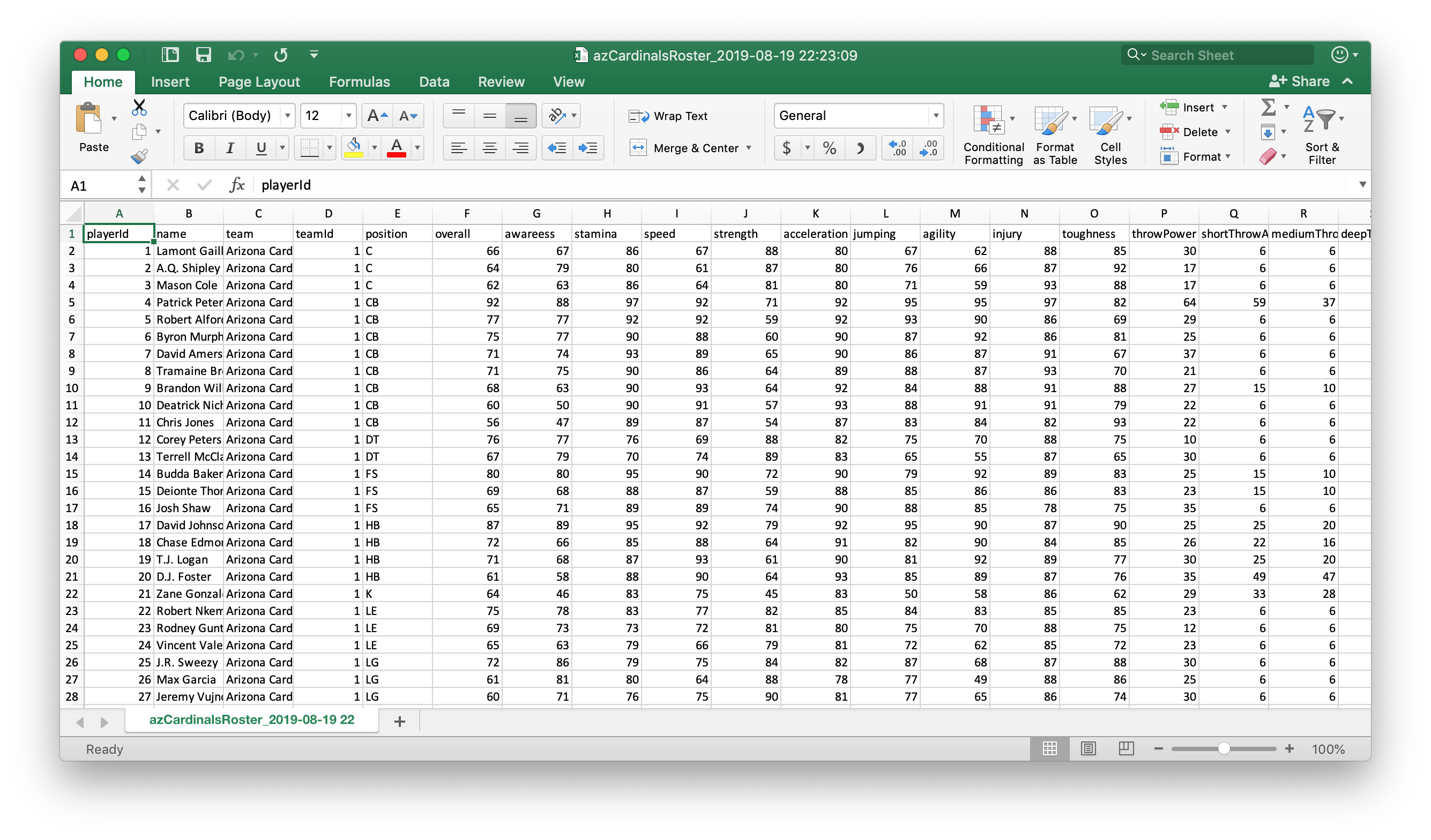
The CSV created via the script are available in the Downloads folder.
 Realms of Pearl